
Home / Guides
Guides
Practical guides on story expiry, saving a Reel on iPhone, carousel quality, private accounts, copyright, and profile pictures.
How to download Instagram stories on an iPhone
Copy a public story link, paste it in Safari, and save the file to Photos or Files before the 24-hour tray empties.
How to download a public Instagram photo
Save a public still from a post, a carousel slide, or a story without relying on a screenshot, and check that you kept the published file.
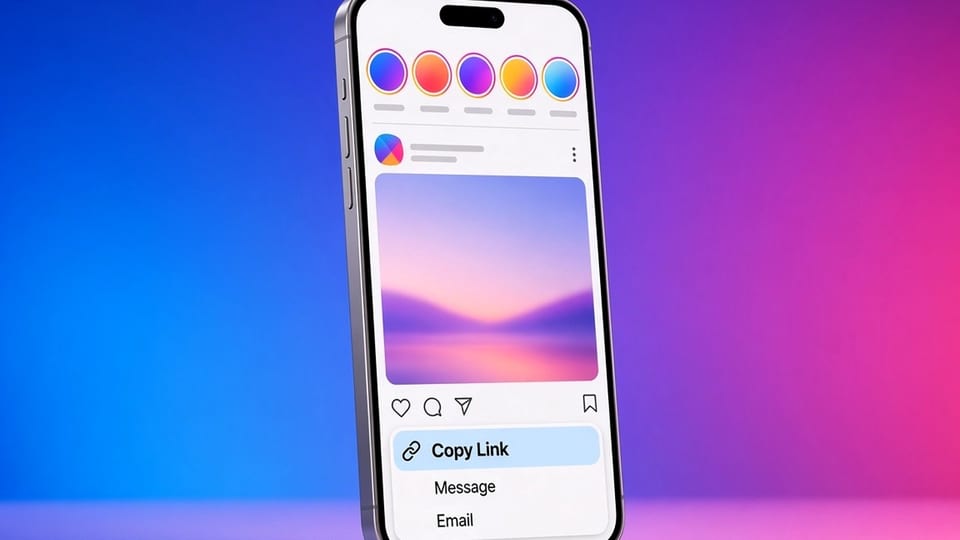
How to copy an Instagram link that a downloader can actually use
Get a clean instagram.com URL for a post, Reel, story, highlight, or profile, including what to do with share redirects and in-app browsers.
Reels vs stories vs posts: which format you have, and which tool to use
Stories expire, Reels stay in a dedicated surface, and feed posts can be photos, videos, or carousels. How to tell them apart from the URL and the page.
How to view Instagram stories without an account
A logged-out browser can open some public stories. What you can see without signing up, and what still requires a public link or a public profile.
How to export your Instagram data, including your own stories and posts
The official export is the account holder's archive. How it differs from a public downloader, and when to use each one.
Troubleshooting Instagram downloads when a public link fails
A checklist for unavailable, private, and empty results: check the URL, the audience, the browser, and what a public page actually includes.
Instagram story size and dimensions
The usual story canvas is 1080 by 1920 pixels at a 9:16 ratio. How to export your own frames, and why a saved public story may not match that exact size.
How to repost Instagram content with credit
Credit is honest and useful, but it is not a license. How to ask, how to credit clearly, and when you should not repost at all.