
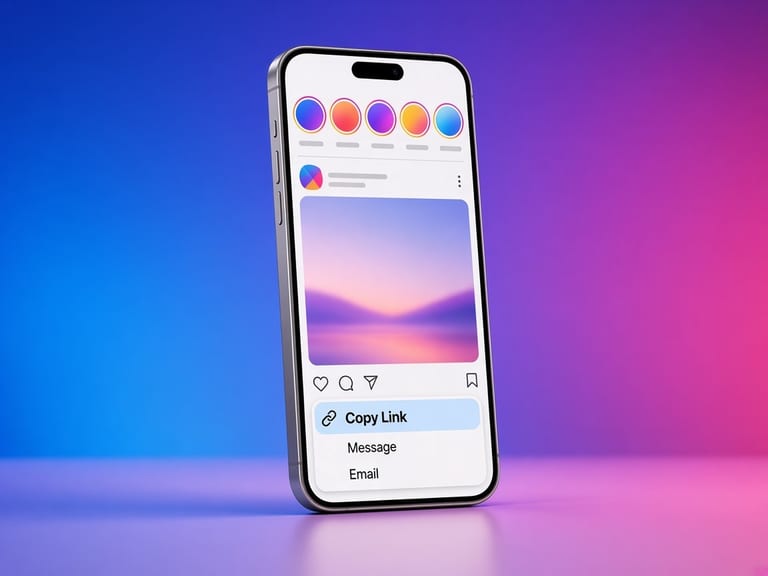
1
Copy the Reel link
Audio comes from a video post. A photo link has no soundtrack to extract.
Paste a public Reel or video link. If a separate audio file is published, you can save that. If not, save the video: the soundtrack is already inside it.
Not affiliated with Instagram or Meta. By using this tool you agree to the Terms and Privacy policy.
This server does not transcode video to MP3.
Audio comes from a video post. A photo link has no soundtrack to extract.
The lookup is the same public fetch as the Reel downloader, with an extra check for an audio-only URL.
A separate audio row appears only when a provider returned one. Otherwise the MP4 is offered and labeled as video with its original soundtrack.
Instagram's public embed names a video URL and a cover. It does not, in the usual payload, name a standalone MP3. Renaming an MP4 to .mp3 would make a broken audio file, so this tool does not do that.
If you run the site and set RAPIDAPI_KEY, a provider that returns a real audio URL on a CDN host will show an audio row. Until then, save the video and take the audio from it in any editor you already trust.
Copy the link in Instagram, open this page in Safari, and paste. When the file is ready, tap Save. iOS often puts videos in Files and photos in Photos. If Safari plays the video instead of saving it, long-press the save button and choose Download Linked File.
Copy the link, open Chrome, and paste it here. The file lands in Downloads, and the gallery usually picks up photos and videos from there. If a download is blocked, allow downloads for the browser and try the same public link again.
Copy the address from the browser bar while the public post is open, paste it here, and save. The file goes to your browser's download folder. You can move it into a project folder from there.
The useful parts are simple. The limits are part of the design.
We never ask for an Instagram password, session id, or two-factor code. The request is the same kind of fetch a logged-out browser can make.
If Instagram says the account is private, the result is an error. We do not try a second, quieter path to get around that.
When a download is offered, it is the file URL Instagram put on the public page, streamed through with a save prompt. We do not recompress it or stamp a logo on it.
The page is static HTML plus a small script for the lookup. It runs in current versions of Safari, Chrome, Firefox, and Edge.
Rate limits, missing posts, and stories that are not in the logged-out response come back as those errors. The page does not invent a preview.
Instagram signs media URLs for a short time. If a save fails a few minutes later, paste the post link again and use the fresh address.
Paste a public Reel or video link. If a separate audio file is published, you can save that. If not, save the video: the soundtrack is already inside it.
Because the public response did not include an audio file. The video row is the honest download. Its soundtrack is in the MP4.
Not in this deployment. Transcoding is a separate job and is not faked.
No. A trending sound can be owned by someone else. Saving a copy for personal reference is not a license to republish it.
For copyright, yes. The embed may name the track as original audio. Either way, the rights stay with the owner.