
Instagram story size and dimensions
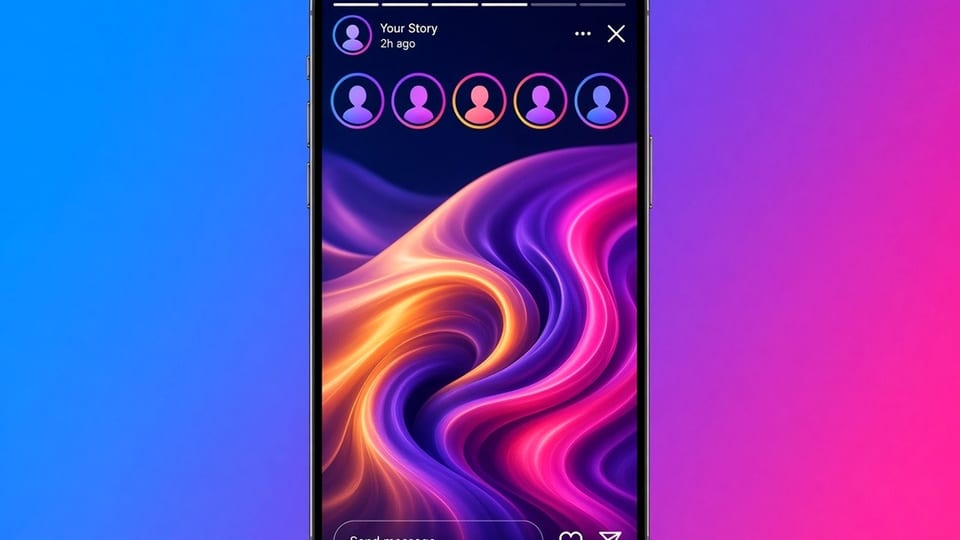
If you are designing a story, you want a canvas that will not be unexpectedly cropped. If you are saving a public story you were allowed to keep, you want to know whether the file you received is the full frame. Those are two different jobs, and they share a ratio.
This guide starts with the canvas you should export for your own work, then explains what a downloader can honestly return. It also covers safe margins, file types, and the difference between stories, Reels, and feed posts.
The canvas to export
A widely used story size is 1080 pixels wide and 1920 pixels tall, which is a 9:16 ratio. Export in sRGB. Use a high enough quality that type stays sharp, without packing a huge file you will immediately compress again. If your editor works at a larger 9:16 size, export a 1080-wide result unless you have a reason to keep a bigger master.
Keep important type, logos, and faces out of the very top and the very bottom of the frame. The official app draws the username, buttons, and reply bar there. A design that looks balanced in a blank 9:16 artboard can feel cramped once those controls are on top of it. A simple margin — a band you treat as unsafe — prevents that surprise.
Stories also move. If you add motion, export a vertical video at the same ratio and test it in the official app before you treat the file as final. A still and a clip can share a canvas and still need different bitrates.
What a saved public file may be
The Insta Story Downloader and the Insta Highlights Downloader return the public file Instagram exposed, when one is present. That file may be 1080 by 1920, or it may be a smaller derivative. The tool will not invent pixels to "make it full HD." If you open the file and the size is smaller than you expected, that is usually the public derivative, not a broken crop.
A screenshot is worse for this measurement. It includes the phone's UI, a possible crop, and the resolution of the display. If you needed the published frame, save the file. See carousel photos and screenshots for the same idea on multi-slide posts, and how to download Instagram photos for feed stills.
Stories, Reels, and posts
Stories and Reels are both vertical, but they are not the same object or the same place in the app. Feed posts are often square or 4:5. If you are planning a campaign that will live on more than one surface, design masters you can crop on purpose, rather than stretching a story into a feed slot. Reels vs stories vs posts compares the formats.
Worked path
You are preparing a three-frame public announcement. Create a 1080 by 1920 template with safe margins. Place type in the middle third. Export PNG or high-quality JPEG for stills, or a vertical MP4 for motion. Post the story, then, if you want a copy off the app, save your original exports rather than re-downloading the public derivative. Keep the official data export for a long-term archive.
If you also pin the frames, the highlight can outlast the 24-hour tray. Read how Instagram stories expire and how to save highlights. If you later need to keep a public story from another account, and you have a right to do so, paste the story or highlight URL and inspect the saved file's dimensions before you print it or drop it into a deck.
A few details are easy to miss in a hurry. Square logos look small on a tall canvas; give them more room than you would on a feed post. Thin hairlines can disappear after Instagram encodes the story. Very fine type below about a comfortable reading size on a phone will be worse once it is compressed. If you need a QR code or a short URL, test an actual scan on a phone, not only a zoomed-in desktop preview.
Color can also shift. Work in sRGB, and do not assume a neon color that looks vivid in your editor will look the same in the official app or on a saved derivative. If brand color is critical, check the posted story on a few devices.
When you are on the saving side rather than the designing side, write the dimensions into the filename if you are collecting reference frames you are allowed to keep: username, date, and 1080x1920 or whatever the file actually is. Future you will not have to open every still to know whether it is a thumbnail or a full frame. And do not upsample a 400-pixel-wide story and call it print-ready. The Insta Photo Downloader and the story tools will not pretend otherwise.
If a public lookup returns no file, that is not a size problem. It is a public-page problem. Use troubleshooting Instagram downloads. If the story already left the tray, see the expiry guide before you try to reconstruct a canvas that Instagram no longer publishes.
Phone previews can also mislead you about sharpness. A frame that looks crisp on a small screen can show compression when you open the same file on a computer. If the story contains a price list or a seating chart, zoom in on the saved file before you rely on it as your only copy.
If you print a story frame, start from your own export whenever you can. A public derivative is a convenience copy, not a print master.
Frequently asked questions
What size should I export my own story?
A safe default is 1080 by 1920 pixels, 9:16, in sRGB. Keep important type and faces away from the top and bottom edges, where the official UI sits.
Will a downloader always return 1080 by 1920?
No. The public file is whatever Instagram exposed, which can be smaller or slightly different. The tool does not upsample a frame to invent detail.
What about Reels and feed posts?
Reels are also vertical, often 9:16. Feed photos are often 1:1 or 4:5. Use the canvas that matches the surface you are posting to.
Should I screenshot to 'keep the size I see'?
A screenshot captures your screen, including chrome and a crop. If you have the right to keep the file, save the published one.