
1
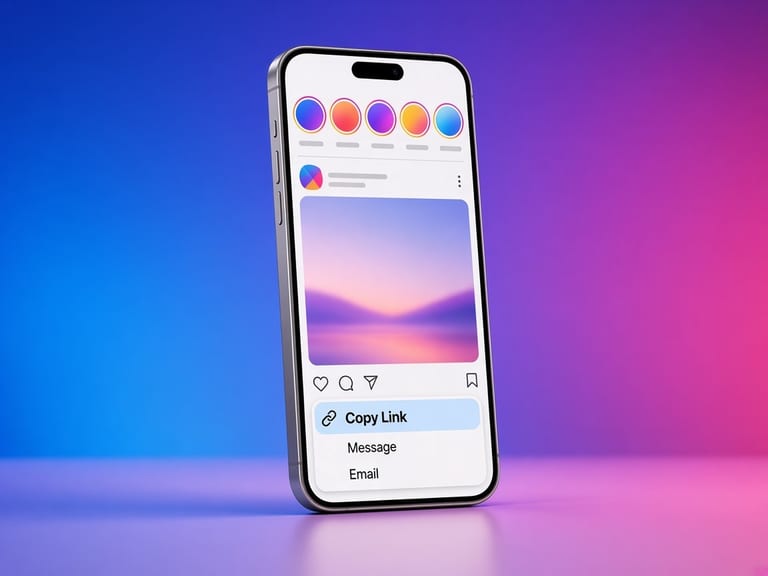
Copy the username or profile link
example: instagram.com/nasa or just nasa. The @ sign is optional.
Paste a public username or profile URL. When Instagram returns the avatar file, you can view it outside the small circle and save it.
Not affiliated with Instagram or Meta. By using this tool you agree to the Terms and Privacy policy.
The circle in the app is a mask. The file behind it is a normal image.
example: instagram.com/nasa or just nasa. The @ sign is optional.
The logged-out profile response is requested. Posts are not scraped from a private account.
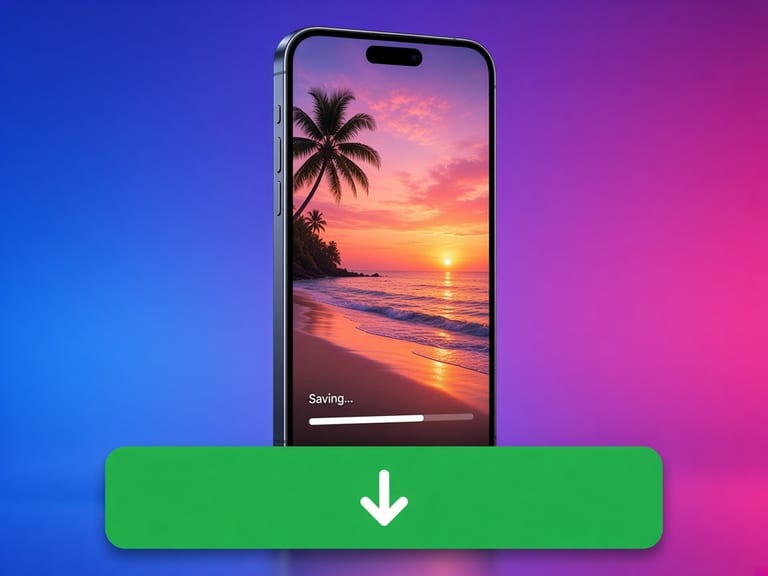
You get the URL Instagram named, usually the larger avatar rendition when one is present. It is not enlarged by this site.
Instagram draws avatars in a circle and shrinks them in the feed. The uploaded picture is still a rectangular image. When the public profile payload includes profile_pic_url_hd or profile_pic_url, that is the file you can save.
A private account is returned as an error even if a tiny avatar might show on a login wall. This page does not collect private posts in order to reach a picture.
Copy the link in Instagram, open this page in Safari, and paste. When the file is ready, tap Save. iOS often puts videos in Files and photos in Photos. If Safari plays the video instead of saving it, long-press the save button and choose Download Linked File.
Copy the link, open Chrome, and paste it here. The file lands in Downloads, and the gallery usually picks up photos and videos from there. If a download is blocked, allow downloads for the browser and try the same public link again.
Copy the address from the browser bar while the public post is open, paste it here, and save. The file goes to your browser's download folder. You can move it into a project folder from there.
The useful parts are simple. The limits are part of the design.
We never ask for an Instagram password, session id, or two-factor code. The request is the same kind of fetch a logged-out browser can make.
If Instagram says the account is private, the result is an error. We do not try a second, quieter path to get around that.
When a download is offered, it is the file URL Instagram put on the public page, streamed through with a save prompt. We do not recompress it or stamp a logo on it.
The page is static HTML plus a small script for the lookup. It runs in current versions of Safari, Chrome, Firefox, and Edge.
Rate limits, missing posts, and stories that are not in the logged-out response come back as those errors. The page does not invent a preview.
Instagram signs media URLs for a short time. If a save fails a few minutes later, paste the post link again and use the fresh address.
Paste a public username or profile URL. When Instagram returns the avatar file, you can view it outside the small circle and save it.
The circle is a mask in the interface. The file itself is rectangular, and that is what you save.
No. If Instagram only published a small file, saving it does not add detail.
Looking up a public profile picture does not use your Instagram login. It is an ordinary request for a public image URL.
The download does not grant that. A face and a photo are still the account holder's. Read the copyright guide before you reuse a file.