
1
Use the story link
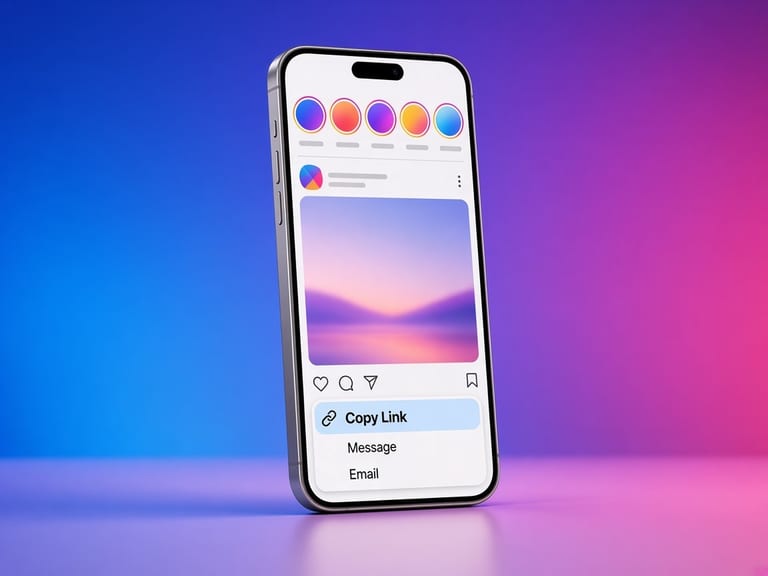
Copy the link from the public story. Do not paste a password or a session cookie.
Look at a public story without using your Instagram account. When the file is included, you can play it on this page and save a copy.
Not affiliated with Instagram or Meta. By using this tool you agree to the Terms and Privacy policy.
Anonymous here means you are not logged in. It does not mean a private story becomes visible.
Copy the link from the public story. Do not paste a password or a session cookie.
The viewer requests the logged-out page. If a video or photo URL is present, it is shown in the result list.
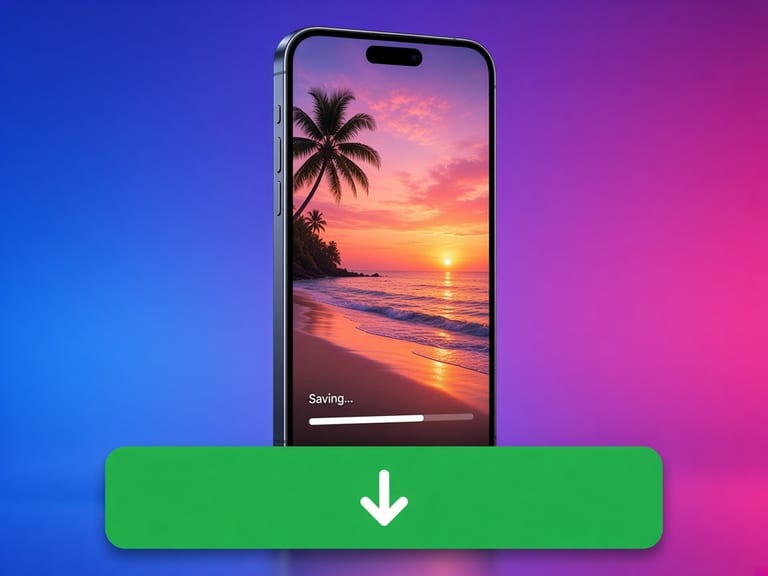
Use Save to keep the file, or open the photo preview. If the story is missing from the public response, nothing is fabricated.
People ask for an anonymous viewer because they do not want their account added to a story's viewer list. This page never logs in as you, so there is no username to add. That is the whole mechanism.
It is not a way into a private account, a close-friends story, or a hidden highlight. Those are omitted on purpose. If the public page has no media URL, the viewer says the story was not included.
Copy the link in Instagram, open this page in Safari, and paste. When the file is ready, tap Save. iOS often puts videos in Files and photos in Photos. If Safari plays the video instead of saving it, long-press the save button and choose Download Linked File.
Copy the link, open Chrome, and paste it here. The file lands in Downloads, and the gallery usually picks up photos and videos from there. If a download is blocked, allow downloads for the browser and try the same public link again.
Copy the address from the browser bar while the public post is open, paste it here, and save. The file goes to your browser's download folder. You can move it into a project folder from there.
The useful parts are simple. The limits are part of the design.
We never ask for an Instagram password, session id, or two-factor code. The request is the same kind of fetch a logged-out browser can make.
If Instagram says the account is private, the result is an error. We do not try a second, quieter path to get around that.
When a download is offered, it is the file URL Instagram put on the public page, streamed through with a save prompt. We do not recompress it or stamp a logo on it.
The page is static HTML plus a small script for the lookup. It runs in current versions of Safari, Chrome, Firefox, and Edge.
Rate limits, missing posts, and stories that are not in the logged-out response come back as those errors. The page does not invent a preview.
Instagram signs media URLs for a short time. If a save fails a few minutes later, paste the post link again and use the fresh address.
Look at a public story without using your Instagram account. When the file is included, you can play it on this page and save a copy.
Your account is not attached, because you never sign in. Instagram can still see a normal request for a public URL from the server that fetches it.
No. Close friends is a private audience. This tool does not join it.
No. The lookup is a separate request from this site and does not read your browser's Instagram cookies.
Yes, when a file URL was actually returned. The save button uses that URL.